
What is computational thinking?
Computational thinking is how you break problems into pieces, spot patterns, ignore what doesn’t matter, and build a plan to solve them. Computer scientists call these decomposition, pattern recognition, abstraction, and algorithm design. Your toddler calls it figuring stuff out.
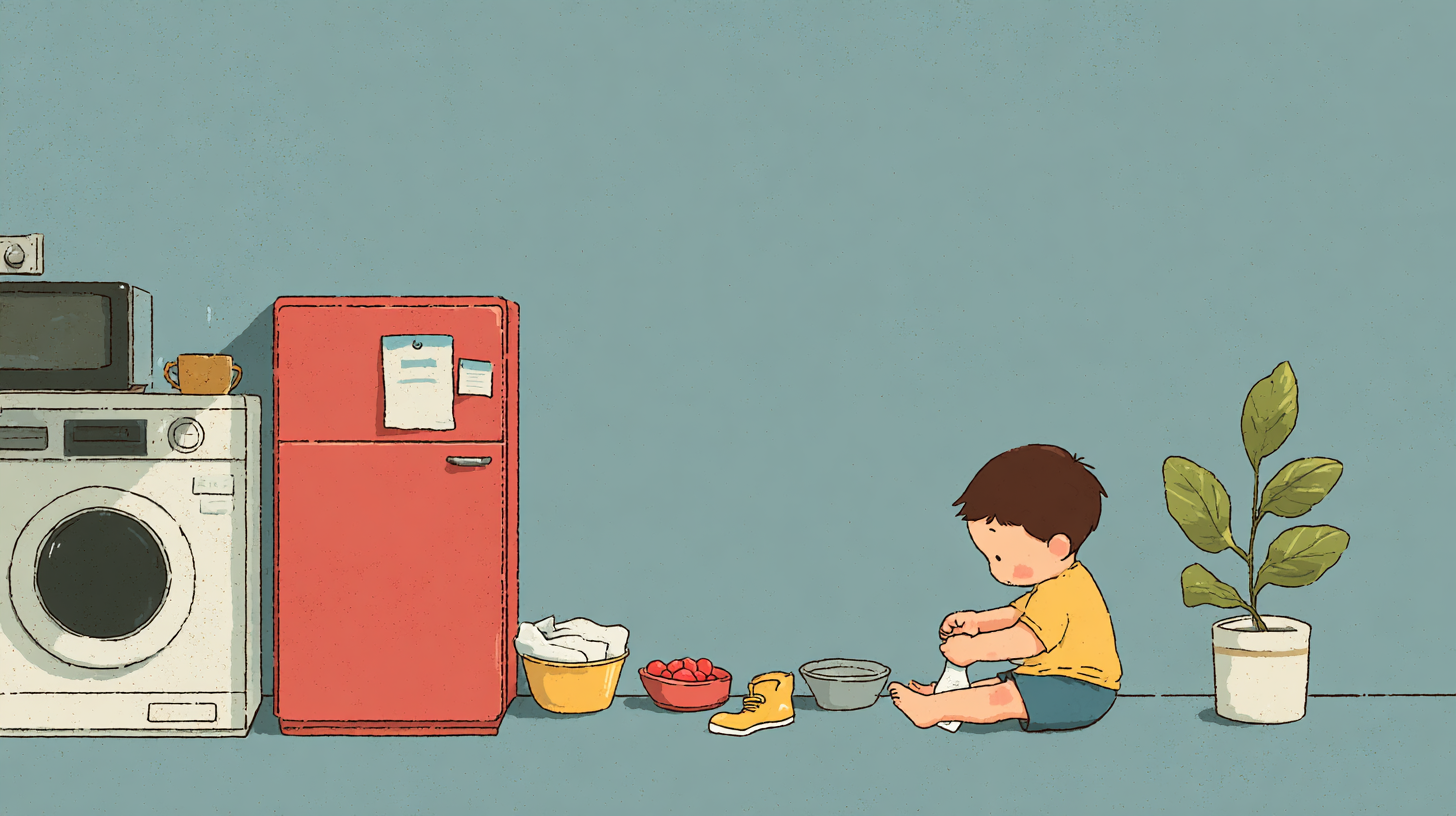
When your 3-year-old sorts their toy cars by color, that’s classification. When they follow the steps to put on shoes (socks first, then shoes, then velcro), that’s an algorithm. When they notice that every bedtime story starts with “once upon a time,” that’s pattern recognition.
Computational thinking isn't coding. It's the thinking underneath coding — and it’s the same thinking underneath cooking, building, debugging a stuck zipper, and figuring out why the block tower keeps falling.
Why does computational thinking matter for toddlers and preschoolers?
Two reasons.
First, every “teach kids to code” resource assumes your kid can read. Most start at age 7 or 8. But the thinking skills underneath programming — sequencing, categorization, cause and effect, breaking big problems into small ones — are skills toddlers are already developing. You don’t need to wait until they can type to start building those neural pathways.
Second, computational thinking isn’t just for future programmers. A kid who learns to decompose problems at age 3 becomes a kid who approaches school projects systematically at age 8, who debugs their own homework at 12, who can actually think through a complex problem at 18. It's a meta-skill. It makes every other skill easier to learn.
The research backs this up. Studies on early STEM exposure consistently show that process-focused learning (how to think about problems) outperforms content-focused learning (memorizing facts) for long-term academic outcomes. Computational thinking is pure process.
What age should I start?
Now. Seriously.
If your kid is 2, they can sort objects by color and follow two-step instructions. That’s enough. You’re not teaching them Python. You’re teaching them to notice that all the red blocks are on one side and all the blue blocks are on the other — and that they did that on purpose.
Age 2-3 is perfect for sorting, basic patterns (ABABAB), and simple sequencing (first we do this, then we do that). Age 4-5 adds multi-step instructions, more complex patterns, and early debugging (“the tower fell — what happened? what could we change?”). Age 5-6 introduces conditionals (“if it’s raining, we wear boots”) and basic logic games.
The key: follow the kid’s interest. A 2-year-old obsessed with trucks learns sorting by lining up trucks by size. A 3-year-old obsessed with dinosaurs learns patterns by arranging dino stickers in sequences. The computational thinking concept is the skeleton. Their obsession is the skin.
Do I need to know how to code?
No. Not even a little.
Computational thinking is about logic and problem-solving, not programming languages. If you can follow a recipe, you understand sequences. If you can sort laundry, you understand classification. If you’ve ever said “let’s try a different way” when something didn’t work, you understand debugging.
Every activity can be explained in plain language because the concepts ARE plain language — we just gave them fancy names. Decomposition is “let’s break this big thing into small pieces.” Abstraction is “what’s the important part?” An algorithm is “what are the steps, in order?”
What does a computational thinking activity look like?
Here are a few examples using stuff already in your house:
Sock sorting (classification + pattern recognition, age 2+) Dump a pile of clean socks on the floor. Ask your kid to match them up. They’re doing classification (these two go together because they’re the same). Make it harder: sort by color, then by size, then by who they belong to. Multiple classification criteria from one sock pile.
Recipe following (algorithms + sequencing, age 3+) Make a sandwich together, narrating each step. “First we get bread. Then we spread peanut butter. Then we add jelly. Then we put the other bread on top.” Now ask: what happens if we do the jelly first? Does it matter? (Sometimes order matters. Sometimes it doesn’t. That distinction is the seed of algorithm design.)
Block tower debugging (decomposition + debugging, age 2+) Build a tower. Let it fall. Instead of just rebuilding, ask: “Why did it fall? Which block made it wobbly? What if we change that part?” You’re teaching debugging — isolating the failure point and fixing it specifically rather than starting over from scratch.
Pattern necklaces (pattern recognition, age 3+) String beads or cereal in patterns. Start with ABAB (red, blue, red, blue). Graduate to AABB, then ABC, then let them create their own pattern and tell you the rule. Recognizing and creating patterns is foundational to both math and programming.
Treasure hunt (algorithms + conditionals, age 4+) Write or draw simple clue cards: “Go to the kitchen. Look under something red.” Each clue leads to the next. Your kid is following an algorithm. Add conditionals: “If the clue is on blue paper, go upstairs. If it’s on yellow paper, go outside.” Now they’re executing branching logic.
How much time does this take?
15 minutes a day is more than enough. These aren’t lesson plans — they’re reframes. You’re already doing half of this stuff. The shift is from “let’s sort the blocks” to “let’s sort the blocks AND notice that we’re sorting by color, which is one rule, and we could also sort by shape, which is a different rule.”
The meta-conversation takes an extra 30 seconds. The impact compounds.
Do I need special materials or curricula?
You need blocks, socks, cereal, paper, and a kid. That’s it.
Structured curricula help if you want a progression — a deliberate sequence that builds concepts on top of each other week by week. Without structure, you might accidentally spend six months on sorting and never touch sequencing. A curriculum ensures coverage.
But the materials themselves are household items. If you’re buying expensive STEM kits for a 3-year-old, you’re overcomplicating it. The whole point of computational thinking at this age is that it’s embedded in everyday life, not extracted into a special “learning time.”
What about screens? Apps? Coding toys?
Screens are fine as a tool, not great as the primary method. Here’s the framework:
Best: Hands-on activities with real objects. Physical manipulation builds deeper understanding at this age. Sorting real blocks beats dragging digital blocks. (The AAP’s media guidelines were built around this same principle.)
Good: Building with AI assistants. Using ChatGPT or Claude to create a simple browser game together — where your kid tells you what should happen and you help prompt the AI — is collaborative, creative, and teaches cause-and-effect at a level no app can match. The kid is the designer, you’re the translator, the AI is the builder. If you want a place to start, here are five games you can build this weekend. And if you’re wondering how to think about screen time for all this, here’s the framework we actually use.
Fine: Age-appropriate coding toys as ONE input among many. They teach sequencing well but are limited to sequencing. Computational thinking is broader than “make the robot go forward.”
Avoid: Passive “educational” apps that claim to teach coding through drag-and-drop games. At age 2-6, the value is in the conversation and the manipulation, not the screen. An app that “teaches patterns” but requires no discussion isn’t building computational thinking — it’s building app-completion skills.
The best screen time for computational thinking is building something together and talking about what’s happening and why.
How do I know it’s working?
You’ll hear it in their language. A kid developing computational thinking skills starts saying things like:
- “Let’s try it a different way” (debugging)
- “First we do X, then we do Y” (sequencing)
- “These are the same because…” (classification)
- “What if we break up this chore into parts?” (decomposition)
- “It’s like a pattern!” (pattern recognition)
You’re not looking for test scores. You’re listening for problem-solving instincts becoming verbal. When your 3-year-old says “the tower keeps falling because the big block is on top of the little block,” they just decomposed a structural failure and identified the root cause. That’s computational thinking, even if they’ve never heard the term. What my 3-year-old taught me about debugging is the same instinct in action.
If you prefer screen-free activities, we have seven unplugged coding activities that teach these skills using household items. And if you’re curious about how computational thinking connects to early reading, here’s why phonics alone isn’t enough.
Is this just… good parenting with a fancy label?
Kind of. And that’s the point.
The best early childhood education doesn’t feel like education. It feels like playing, building, sorting, cooking, and talking about what happened. Computational thinking just gives you a lens to recognize the learning that’s already happening — and a vocabulary to extend it intentionally.
The fancy label matters because it connects what you’re doing at the kitchen table to what your kid will do in a CS classroom ten years from now. It means the 3-year-old who sorted socks by color already has an intuition for data classification. The 4-year-old who debugged a block tower already knows that “start over” is the lazy fix and “find the broken part” is the real fix.
You’re not teaching computer science. You’re teaching thinking. The computer science is a bonus.
Want a structured 12-week curriculum?
Turn these concepts into a daily practice — no tech background required.