
Parents are searching for STEM for kids, coding for kids, AI for toddlers, robotics for preschoolers, and every possible version of “am I already behind?”
I get why. The future is arriving loudly. AI is everywhere. Coding camps keep getting younger. $200 robot kits promise to make your toddler “future-ready” before they can reliably put both shoes on the correct feet.
But most toddlers do not need a coding app first.
They need practice thinking in the ways coding eventually requires.
Before kids can code, they need to notice patterns, follow sequences, test ideas, and fix what breaks.This is the real basis for STEM: computational thinking. And it can start long before a child can read.
Why “STEM for kids” gets confusing
The phrase STEM for kids is doing too much work.
Sometimes it means science experiments that don’t always result in a clean kitchen counter. Sometimes it means math worksheets. Sometimes it means coding apps, robot toys, engineering kits, Montessori-ish manipulatives, YouTube channels, or a subscription box with a smiling cartoon astronaut on the front.
Some of that is useful, but most of it is just packaging. The market often turns a good instinct into a shopping category.
If your child is two, three, four, or five, the best early STEM work usually does not look like a product at all.
Instead, it looks like:
- sorting toy animals by where they live
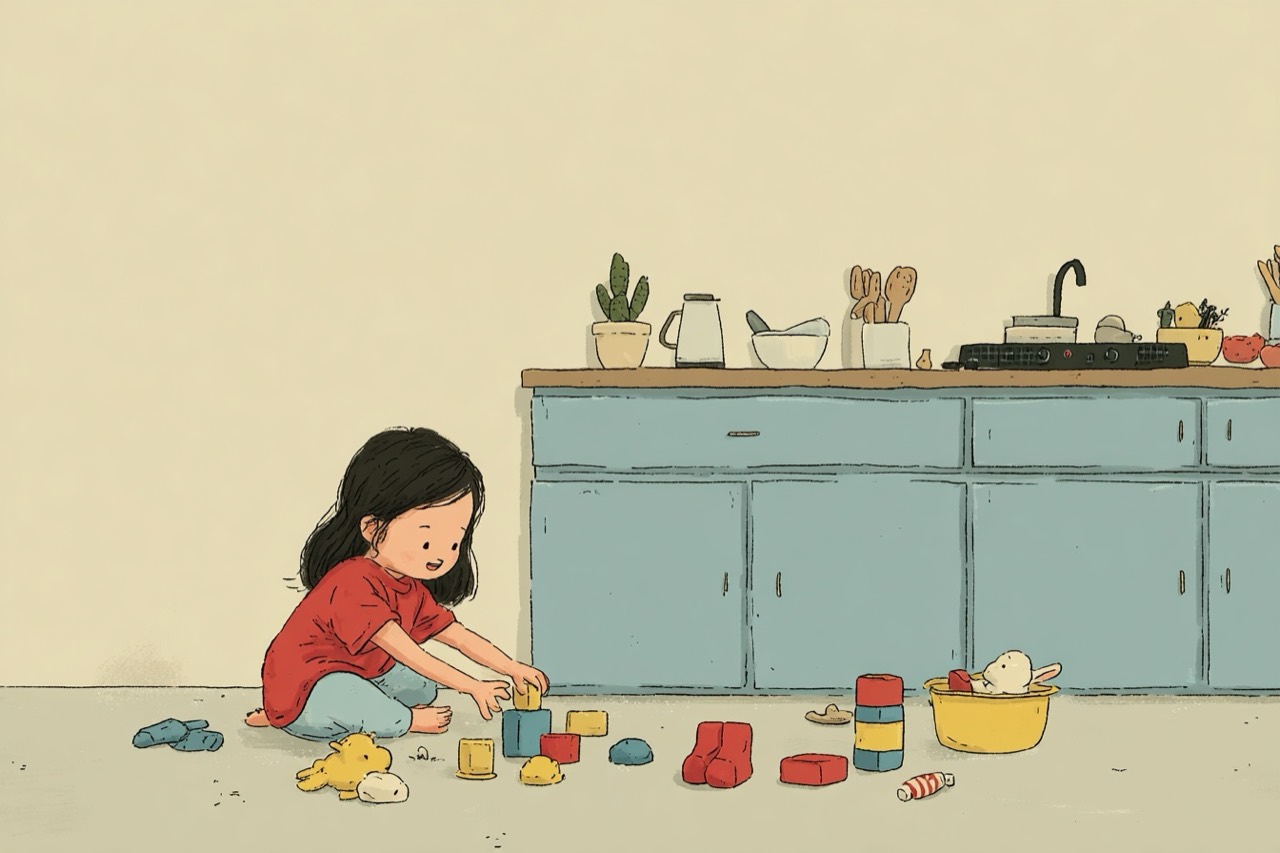
- building a block tower, watching it fall, and making the foundation more robust
- following a recipe’s steps in correct order
- making a pretend airport with rules for which planes go to which gates
- noticing that one sock has a match and one does not
- explaining why the marble run stopped working
None of that looks impressive in an ad, because it’s the real work that can’t be sold. All of it builds the mental machinery that’s fundamental to programming.
Coding for kids starts before code
Most early coding products teach children to move a character around a screen.
That can be fun. It can also be developmentally reasonable for older preschoolers and early elementary kids. I am not anti-coding-app as a category.
But “coding for kids” gets weird when it is aimed at children who are still building language, impulse control, and symbolic reasoning.
A toddler does not need to memorize what a loop is.
A toddler can understand “do this again until the basket is full.”
A toddler does not need to write an if statement.
A toddler can understand “if it is raining, we wear boots.”
A toddler does not need to debug JavaScript.
A toddler can understand “the train track broke here, so the train stopped here.”
The concepts are not too advanced. The interface often is.
The goal is not to make toddlers perform school-age coding earlier. The goal is to give them names and habits for the thinking they are already doing.
The five skills worth teaching first
If I had to strip early STEM down to the skills that matter most before coding apps, I would start here.
1. Sorting
Sorting is the beginning of classification.
When a child groups cars with cars, animals with animals, red blocks with red blocks, or “things that fly” apart from “things that roll,” they are building categories.
That matters because computers are category machines. Data has types. Objects have properties. Rules depend on what something is.
Ask: “How did you decide these go together?”
That question is more valuable than the final pile.
2. Sequencing
Sequencing is understanding that order matters.
Shoes before socks is not the same as socks before shoes. Spreading the jelly before the peanut butter creates a problem (according to my 3yo, in tears). A bedtime routine works because steps happen in a predictable order.
That’s an algorithm.
You do not need to say “algorithm” every time. You can just ask: “What happens first? What happens next?”
3. Patterns
Patterns are how kids learn to predict.
Red-blue-red-blue. Big-small-big-small. Snack, book, nap. Cloudy sky, wet sidewalk, puddles.
Pattern recognition matters in math, reading, music, science, and programming. It is also one of the easiest STEM habits to build during normal life because toddlers are already pattern-hungry.
Ask: “What do you think comes next?”
4. Conditionals
Conditionals are if-then thinking.
If the light is red, we stop. If the cup is empty, we refill it. If the tower keeps falling, we try a bigger block on the bottom.
This is the thinking behind code, but it is also the thinking behind ordinary decision-making.
Ask: “If this happens, what should we do?”
5. Debugging
Debugging is the most underrated early STEM skill.
It turns “this is broken” into “what can we fix?”
That shift matters. A child who can calmly look for the problem is building patience, reasoning, and confidence. Debugging is not just for computers. It is for block towers, train tracks, recipes, routines, friendships, and every project they will ever make.
Ask: “Where did it stop working?”
Want the structured version?
The 12-week curriculum turns sorting, sequencing, patterns, conditionals, and debugging into simple parent-led activities for ages 2–6.
What about AI for toddlers?
AI for toddlers is the phrase that makes a lot of parents tense up (which is probably a healthy reaction).
There is a big difference between a parent using AI as a tool and a child being handed AI as a companion, tutor, entertainer, or emotional substitute. Those are not remotely the same thing.
In our house, AI is not something my son talks to alone. It is something I use while we build together. He describes the game he wants. I type. The AI helps generate code. He tests the game, tells me what to change, and we iterate.
The important part is not that he is “learning AI.”
The important part is that he is learning creation. The tool is secondary.
He sees that an idea can become a thing. He sees that first versions are imperfect. He sees that changing your instructions changes the result. He sees that bugs are not failures; they are clues.
This only works because a parent stays in the loop.
If the AI replaces the parent, you aren’t teaching technology; you’re hiring a robot babysitter.
A simple test for STEM products
Before buying the robot, app, kit, or class, ask three questions.
Does this make my child think, or mostly react?
Tapping, swiping, and following prompts can look educational while requiring very little reasoning. Look for products or activities that ask the child to predict, explain, decide, build, or revise.
Can my child change the system?
Real STEM involves agency. If the child can only complete preset levels, the learning ceiling may be low. If they can make a rule, test it, and change it, there is more room for thinking.
Could we learn it without this product?
If a toy claims to teach sequencing, can your child learn sequencing while making a sandwich instead? If an app claims to teach sorting, can your child practice sorting laundry? If a class claims to teach debugging, can your child debug a marble run?
Often the answer is yes.
That does not mean the product is bad. It means the product is optional.
What to do this week instead
If you want to start without buying anything, try this.
Pick one ordinary routine and turn it into a STEM conversation.
Laundry: Sort by owner, color, size, or type. Ask why each item belongs where it does.
Snack: Make a recipe together. Ask what happens first, next, and last.
Blocks: Build something tall, let it fall, and debug the base.
Shoes: Use if-then logic. If it is raining, which shoes? If we are going to the park, which shoes?
Toys: Rotate one set into a focused play setup and watch what your child does with fewer distractions.
You do not need to turn your house into school. You just need to make the thinking visible.
The point is not early achievement
I do not care whether a preschooler can use the word “algorithm.”
I care whether they can slow down enough to ask what happened.
I care whether they can notice that two things share a pattern.
I care whether they can explain why they sorted something one way and not another.
I care whether they can try again when the first version fails.
The apps can come later. The coding syntax can come later. The AI tools will keep changing anyway.
But the thinking underneath all that is what builds your child’s future success.
STEM for kids starts with building thinkers, not tiny app users.If you want five concrete games to build after those habits are in motion, start with these computational thinking games. If you want to stay screen-free first, try these unplugged coding activities for toddlers. And if you want the whole parent-led rhythm laid out week by week, that is what 12 Weeks of Tech Projects to Build With Your Kid is for.